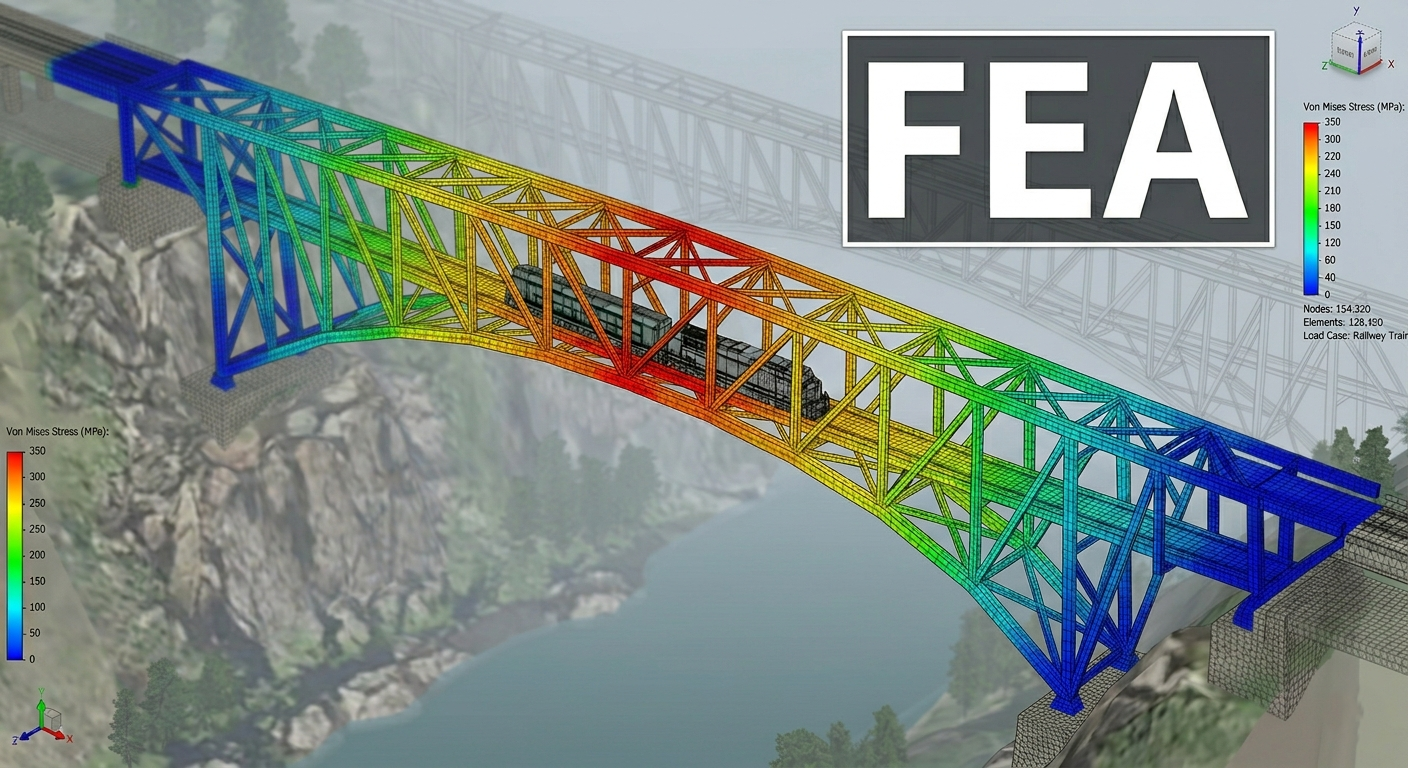
Mechanical engineering has always relied on tools to bring ideas to life. From the smoky drafting rooms of the Industrial Revolution to the powerful workstations of today, technology has shaped how fast we can innovate. Now, we’re on the brink of the next leap: moving mechanical design into the web browser.
From Pencils to Pixels: A Quick Trip Down Memory Lane
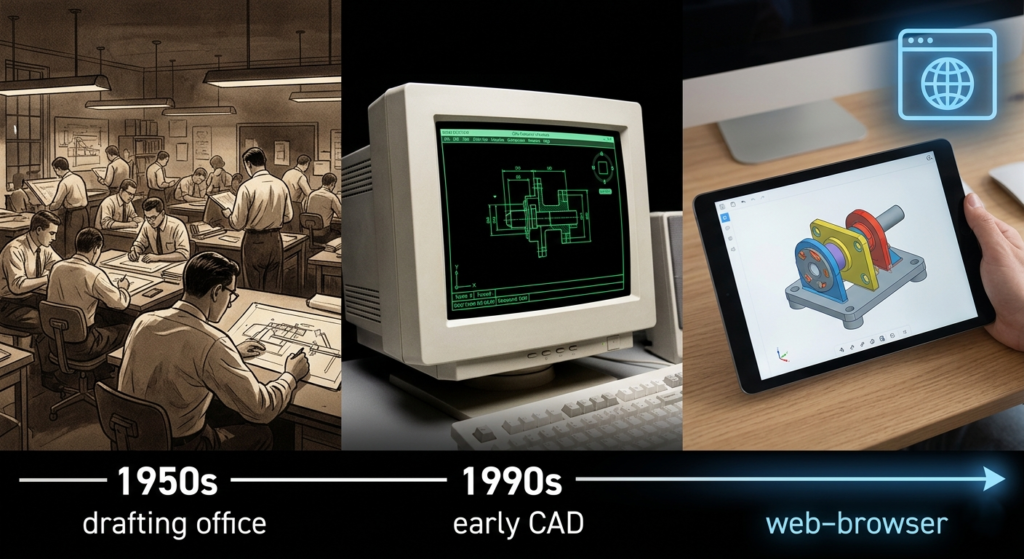
To understand the future, it is useful to consider the past. Prior to the 1960s, mechanical engineering was entirely manual. Design offices were large spaces filled with drafting tables, T-squares, and compasses. Each line drawn represented a firm decision. Mistakes required careful correction with a razor blade or, frequently, starting anew, which was a laborious process.
Then came Computer-Aided Design (CAD), and honestly, it changed the game forever. It all kicked off with Ivan Sutherland’s Sketchpad in 1963. He proved that computers could actually “talk” in shapes and lines. By the ’80s, the “CAD Revolution” was in full swing. For the first time, engineers could create digital parts that were easy to tweak, copy, and save.This shift gave us one massive advantage that still drives our operations today: Parametric Associativity. Don’t let the fancy name fool you—it just means that in a digital world, a hole isn’t just a circle on a piece of paper. It’s a “feature” with its own rules. If you decide to use a larger bolt, the hole in your part updates itself automatically. This ability to handle changes on the fly is exactly why CAD is the heart of modern manufacturing.
Checking Out the Modern CAD Neighborhood
Nowadays, there are tons of powerful tools out there, and each one has its own “vibe.” If you’re a mechanical engineer putting together your digital toolbox, here are the big names you’ll probably run into:
1. SOLIDWORKS (by Dassault Systèmes)
- The Good: It’s pretty much the industry standard. SolidWorks works with many collaborators who offer working add-ins within the SolidWorks application.
- The Not-So-Good: It’s a “heavy” program. It only works on Windows, needs a beefy computer to run well, and managing all those files can get messy for small teams.
2. Autodesk Fusion 360
- The Good: A cool “hybrid” tool that does it all—design, manufacturing, and testing. It’s affordable and has some very smart AI design features.
- The Not-So-Good: You still have to install it on your computer, and those “surprise” cloud updates can sometimes get in the way of your work.
3. Onshape (The CAD Browser King)
- The Good: Built by the folks who started SolidWorks! It’s the first pro CAD that lives entirely in your browser. No installs, no crashes, and it tracks every version of your work automatically.
- The Not-So-Good: You need a solid internet connection to use it, and the price tag can be a bit high if you’re just starting out.
4. FreeCAD
- The Good: It’s Open Source and totally free! You own your data, and the software is yours forever.
- The Not-So-Good: It’s got a bit of a learning curve, and sometimes changing one thing can break another part of your model.
5. Siemens NX / Solid Edge
- The Good: This is the “heavy hitter”—the kind of tool Boeing uses to design planes.
- The Not-So-Good: It’s super expensive and very complex. It’s probably more power than you actually need for most projects!
The Game-Changer: Design Anywhere, on Anything
The biggest “superpower” of browser-based CAD is universal accessibility. In the old days, you were chained to your desk because your software only worked on a $3,000 Windows workstation.
With the browser, those chains are gone! As long as you have an internet connection, you can access your designs from:
- Your Laptop at a Café: Need to make a quick tweak while grabbing coffee? Just log in.
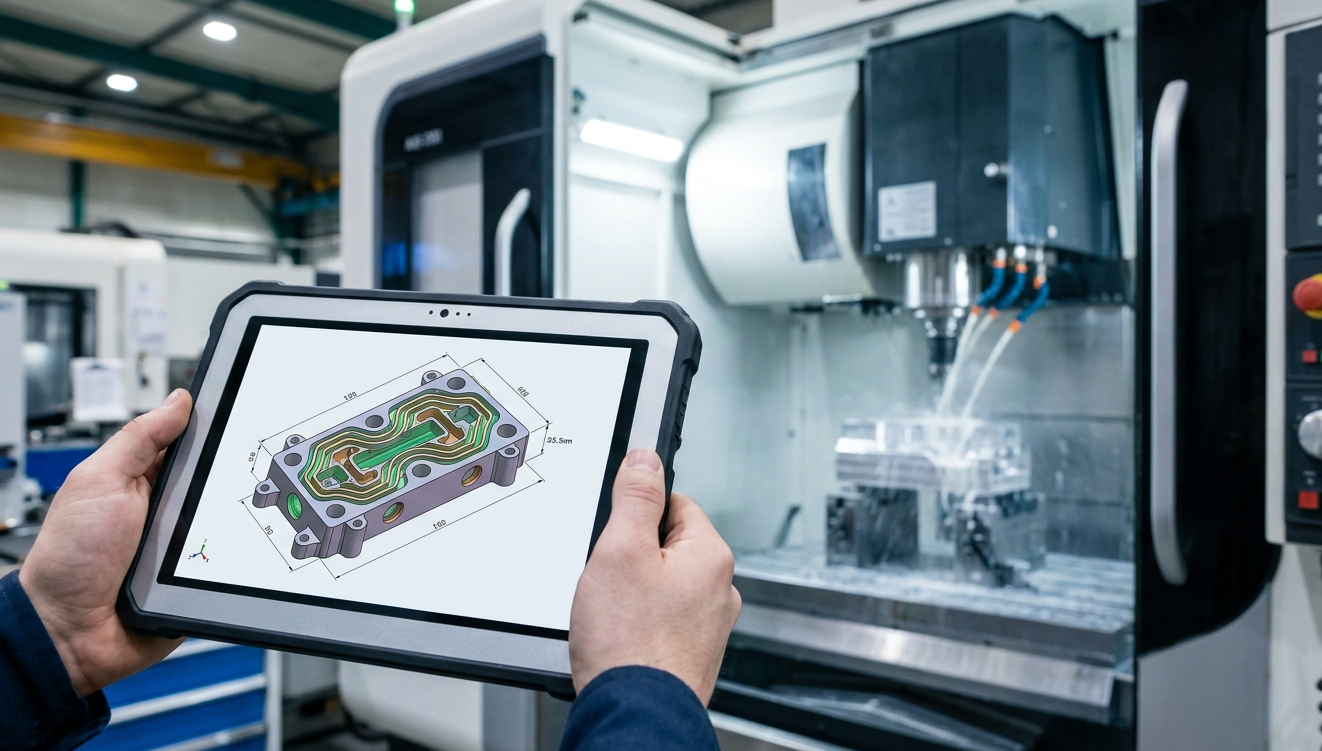
- A Tablet on the Shop Floor: Show the machinist exactly what you mean by spinning the model right next to the CNC machine.
- A Client’s Computer: Forget bringing a heavy laptop to meetings; just open a tab on their screen.
- Your Phone in an Emergency: Checking a measurement while you’re away from your desk is now just a few taps away.
It doesn’t matter if you’re on Linux, Mac, Windows, or ChromeOS. If it can run a browser, it can run your design.
Why the Browser is Winning
The desktop giants aren’t going away overnight, but “Web-First” tools are catching up fast for three more simple reasons:
- Just Click and Go: Usually, getting a new engineer set up means hours of installing software. With a web tool? You just send them a link. They click it, and they’re designing!
- The “Google Docs” Vibe: Old-school CAD makes you “lock” files so other people can’t edit them. Web CAD lets everyone work together in real-time. You can actually see your teammates making changes as they happen!
- Automatic Saving: No more “Oh no, my computer crashed, and I lost three hours of work!” Everything is saved to the cloud instantly.
Don’t Forget the Hero: 2D CAD!
Everyone is excited about 3D printing lately, but let’s not forget about 2D drafting. It’s still the “Language of Truth” when it comes to actually making things.
1. Quick Brainstorming
Before you spend all day building a complex 3D assembly, you’ve gotta sketch out the logic. 2D is perfect for quickly testing out how parts move together. It’s like a digital “back of a napkin” sketch, but with perfect math!
2. Getting it Made
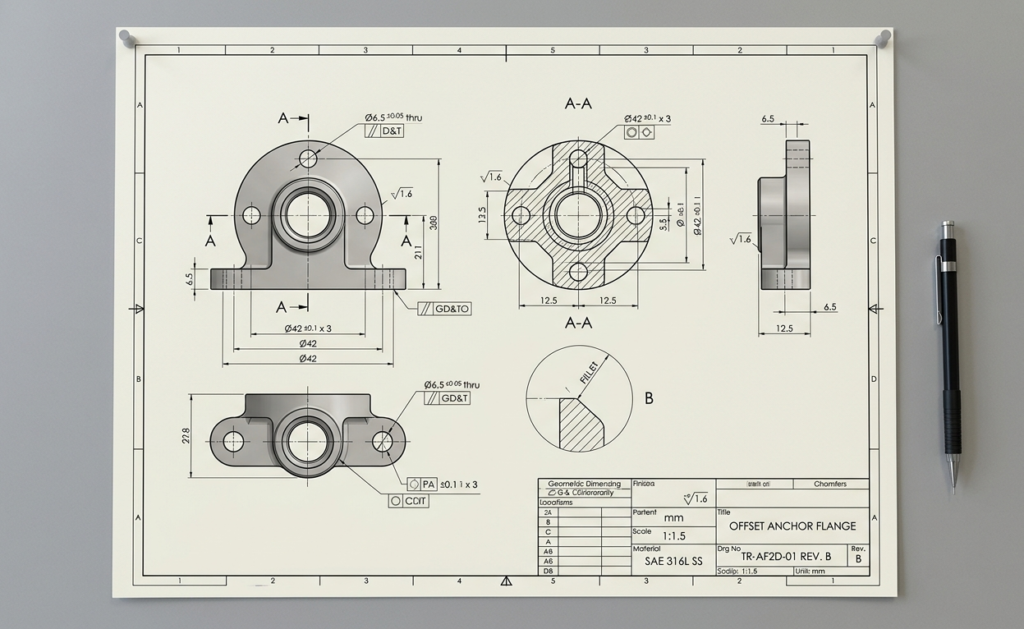
A 3D model is great, but it doesn’t always tell a machinist how smooth a surface needs to be or exactly how much wiggle room a hole has. You still need 2D drawings for the workshop to get the job done right.
3. Lightweight and Fast
This is exactly why I built ParaDraw. Sometimes a full 3D suite is just too much when you only need to lay something out or grab a quick file for a laser cutter.
Give it a spin: You can see what I mean by checking out the ParaDraw Editor. It’s a great example of how a snappy web tool can handle tough geometry without all the clutter of a desktop app!
Want to Explore More?
If you’re curious about how all this digital engineering stuff works, here are a few things you might want to look into:
- WebGL & WebGPU: This is the “secret sauce” that lets browsers render 3D graphics so smoothly.
- GrabCAD: A massive community where you can check out models from other pros.
- W3C Standards: Keep an eye on how the “bosses of the internet” are making the web better for engineering.
Wrapping It Up
The story of engineering tools is really about breaking down the walls between your ideas and the final product. We went from paper and pencils to desktop software, and now we’re moving into the Age of Everywhere.
The browser isn’t just for watching videos or checking social media anymore—it’s a powerhouse for mechanical design! Web tools make it possible for anyone, anywhere, to create high-quality parts. Whether you’re sketching a quick idea in ParaDraw or working on a project in the cloud, one thing is clear: the future of engineering is open, connected, and lives right in your browser!