

Structural Calculation Tools: Bringing FEA Logic to the Web
Introduction: The Essence of Finite Element Analysis
Finite Element Analysis (FEA) serves as the numerical foundation of contemporary engineering. FEA is a computational method used to predict how products respond to real-world forces, vibrations, heat, fluid flow, and other physical phenomena. The process involves decomposing a complex physical object into numerous small, manageable elements, such as cubes or pyramids, which are connected at specific points known as nodes. By calculating the behavior of each element and subsequently integrating these results, engineers can simulate the stress, strain, and displacement experienced by an entire system.
Historically, this process was limited to high-performance workstations. The software necessary to solve these systems, which involve large matrices of linear equations such as $[K]\{u\} = \{F\}$ ($K$ representing stiffness, $u$ displacement, and $F$ force), required substantial RAM, specialized cooling, and costly licensing. Recently, a significant shift has emerged: structural calculation tools are transitioning to the web, evolving from static desktop applications into dynamic, accessible, and collaborative ecosystems.
1. The Anatomy of a Web-Based Structural App
To build a successful structural calculation tool in a browser environment, the architecture must balance user experience with heavy computational requirements. A professional-grade web app for this purpose should follow a tiered progression of features.
A. Material Intelligence and Basic Lookups
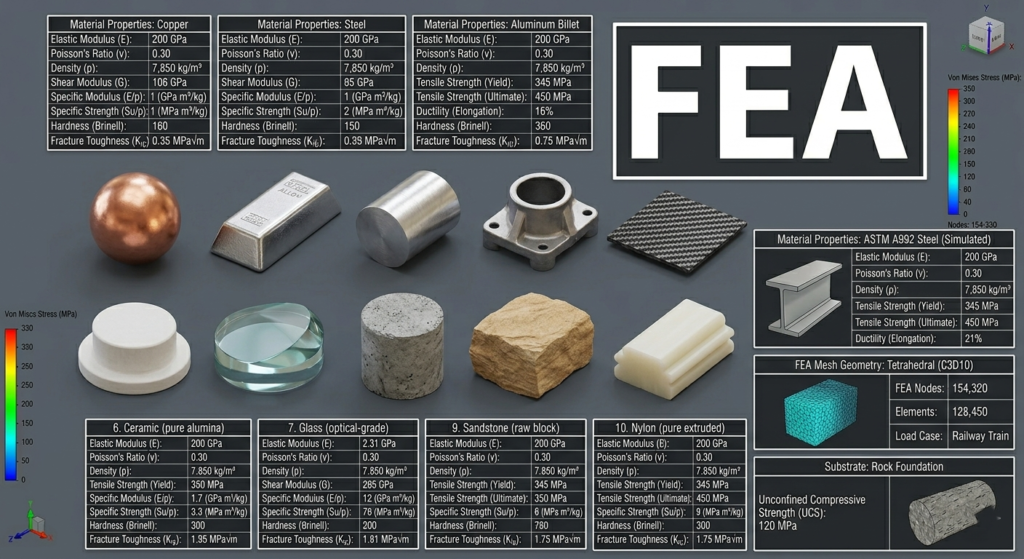
The foundation of any structural calculation is the material. Before a single beam can be analyzed, the system must understand Young’s Modulus, Poisson’s Ratio, yield strength, and density.
A prime example of this “foundational” layer can be seen in specialized utilities like the Mechanical Material Library (available at MechMat by Meweto). This application demonstrates the first critical feature of a structural web tool: a centralized, searchable database of material properties combined with basic calculators. By allowing users to quickly look up stress-strain curves or calculate safety factor and judging if the parameters and the calculation you did is right within a material of your choice. Many basic calculation for q quick validation can be done in mechmat by meweto.
B. The Solver: From JavaScript to WebAssembly
The “logic” of FEA is the solver. In a web app, there are two primary ways to handle the math:
- Client-Side Solvers: For 1D or 2D problems (like beam deflections or simple truss analysis), JavaScript or TypeScript is often sufficient. However, for true FEA, we use WebAssembly (Wasm). Wasm allows us to run C++ or Fortran code at near-native speeds within the browser. This means established open-source solvers can be ported to the web, allowing a user to run a 10,000-node simulation without a single byte leaving their computer.
- Server-Side (HPC) Solvers: When the mesh becomes too dense (millions of elements) or the physics becomes non-linear (like a car crash simulation), the web app acts as an interface for High-Performance Computing (HPC) clusters. The browser captures the geometry and parameters, sends them to a cloud server (AWS/Azure), and streams the results back.
C. Advanced Visualization: Seeing the Physics
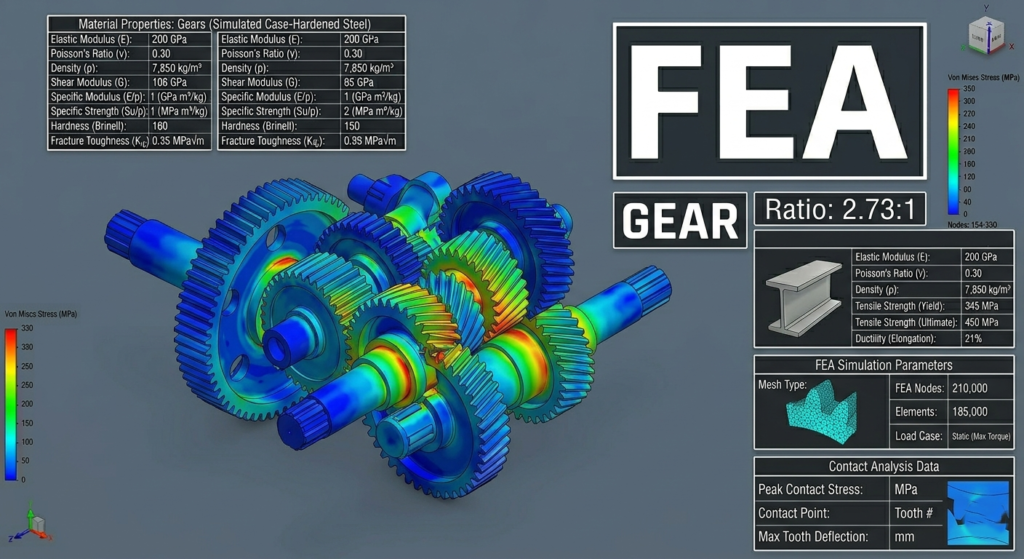
Static numbers are useless to an engineer; they need to see where a bridge will buckle or where a gear will fail.
- WebGL and WebGPU: These technologies enable the browser to talk directly to the user’s graphics card. Using libraries like Three.js, a structural web tool can render a 3D model that a user can rotate, zoom, and explode.
- Deformation Scaling: A key advanced feature is the ability to visualize exaggerated displacement. Since a beam might only move 2mm in real life, the web app must allow the user to “scale up” that movement visually to identify the mode of failure.
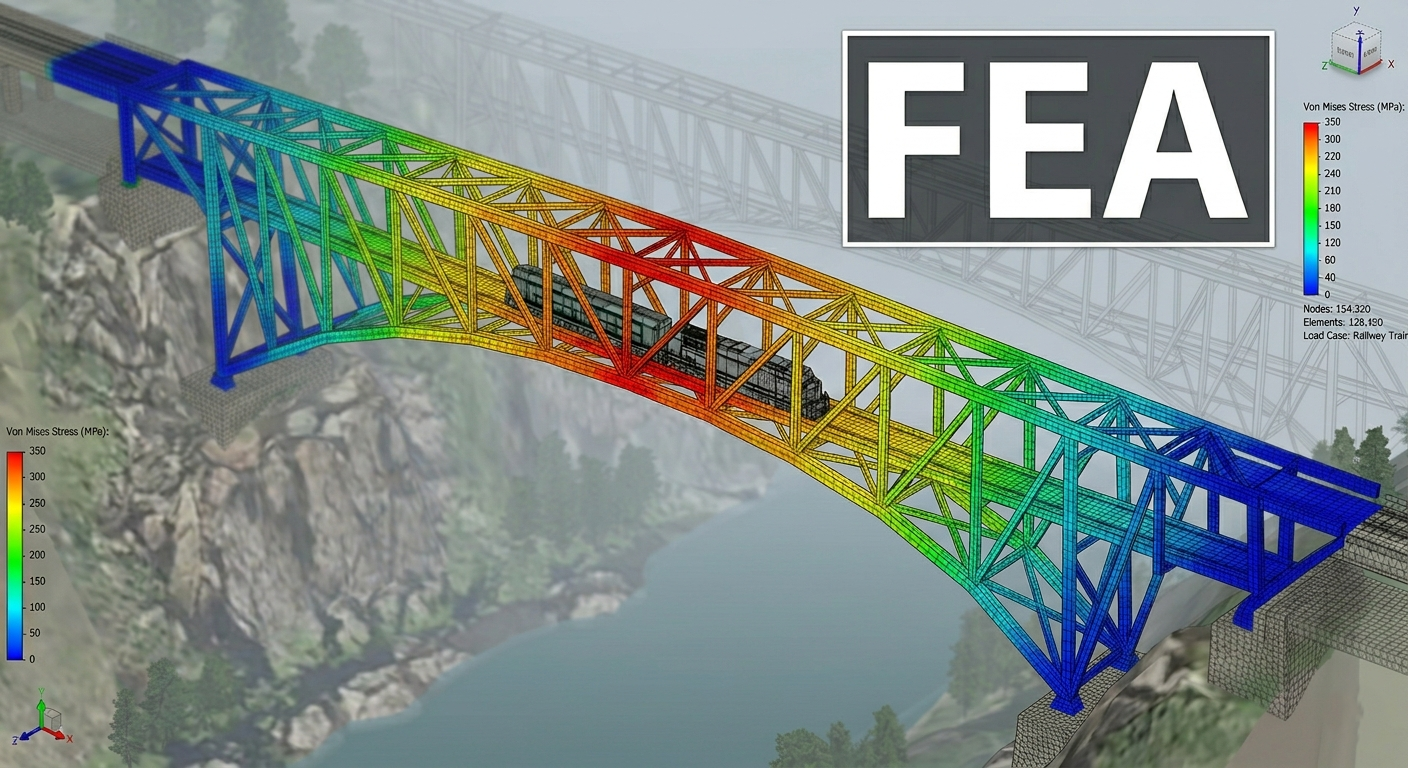
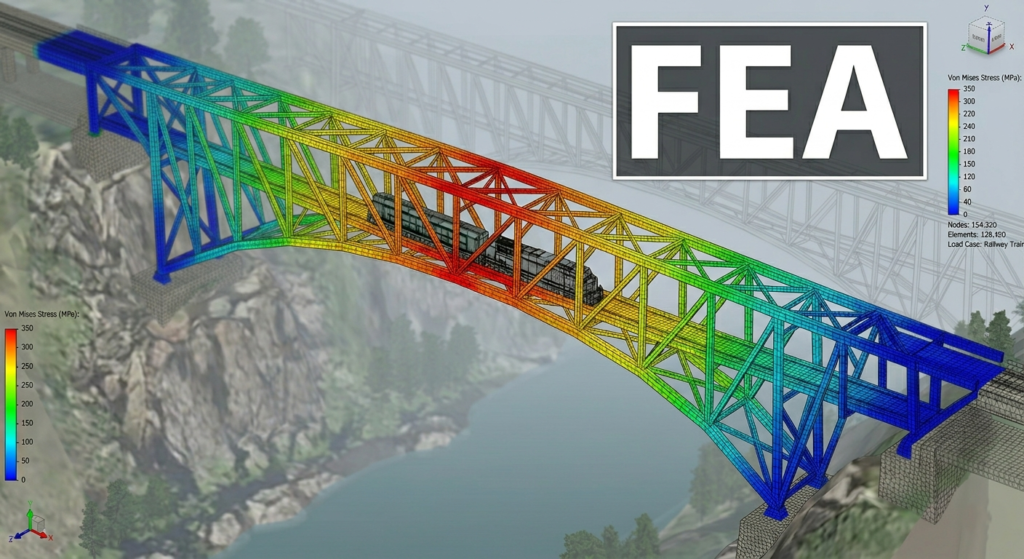
- Heatmapping: Mapping scalar values (like Von Mises Stress) onto the surface of a 3D mesh using color gradients (blue for low stress, red for danger zones) is essential for intuitive design iteration.
2. Technical Challenges: Bridging the Desktop-Web Gap
While the vision is clear, the implementation of FEA on the web faces several “hard” technical hurdles that developers must overcome.
Computational Performance and Memory Management
Browsers are inherently “sandboxed,” meaning they have limited access to the system’s hardware. FEA is memory-intensive. Storing a global stiffness matrix for a complex assembly can easily exceed the memory limits of a standard browser tab. To solve this, developers use Sparse Matrix techniques, which only store non-zero values, significantly reducing the memory footprint.
Interactive Meshing
One of the most difficult things to do on the web is “Meshing”—turning a CAD file (STEP or STL) into finite elements. Automated meshing requires complex triangulation algorithms. Modern web tools often handle this by using a “Thin Client” approach: the user uploads a geometry, a cloud worker generates the mesh, and the resulting JSON data is sent back to the browser for analysis.
Accuracy and Validation
A web tool is only as good as its precision. Professional structural engineers are rightfully skeptical of new tools. To gain trust, web-based FEA applications must provide transparent benchmarking against industry standards (like NAFEMS benchmarks). They must clearly state the assumptions made (e.g., “This solver assumes linear elastic behavior”) to prevent misuse.
3. Parametric Design: The Secret Weapon of the Web
The true power of a web-based structural tool is not just replacing the desktop; it’s doing things the desktop can’t do easily. This is where Parametric Engineering comes in.
On the web, we can link the structural solver directly to the user interface. Imagine a slider labeled “Wall Thickness.” As the user moves the slider, the FEA solver runs in the background in a loop, updating the stress heatmap in real-time. This “Instant Feedback Loop” allows for:
- Optimization: Finding the minimum weight required to support a specific load.
- Sustainability: Calculating the “Embodied Carbon” of a structure based on the material volume and type.
- Generative Design: Using algorithms to “grow” a structure that follows the paths of highest stress, resulting in organic, highly efficient shapes.
4. Collaborative Engineering and Version Control
Because these tools live at a URL, they inherit the best features of the modern web:
- Real-time Collaboration: Two engineers in different countries can look at the same 3D stress model, chat in a sidebar, and make adjustments simultaneously—much like Google Docs but for physics.
- Integration (API-First): Web tools can be “called” by other software. A Revit (BIM) model can send its data to a web-based calculation engine to check a specific beam’s compliance with local building codes, returning a “Pass/Fail” status instantly.
- Democratization: Students and junior architects can access “Lite” versions of these tools to gain a “feel” for structural behavior without needing a $5,000 software license.
5. Feature Roadmap: What a “Pro” Web App Needs
If we were to map out the journey from a basic utility to an advanced structural tool, it would look like this:
| Tier 1: Basic | Material Library, Unit Conversion, Section Properties | React, simple JS logic |
| Tier 2: Intermediate | 2D Frame/Truss Analysis, Static Loading, SVG Plots | D3.js, Canvas API |
| Tier 3: Advanced | 3D FEA, Heatmaps, STEP file import, WebAssembly Solvers | Three.js, Wasm, WebGL |
| Tier 4: Enterprise | Non-linear Analysis, Fluid Dynamics, Cloud Rendering | AWS Lambda, WebGPU, WebSockets |
Tools like the Mechanical Material Library (mechmat.meweto.com) serve as the perfect entry point, providing the “quick-check” logic that engineers need ten times a day, while setting the stage for more complex integrations.
Conclusion: The Right Tool for the Right Task
The emergence of web-based structural calculation tools is not a death knell for traditional desktop software; rather, it is a refinement of the engineering workflow. We must view these web applications as the “Quick Consultation” layer of engineering.
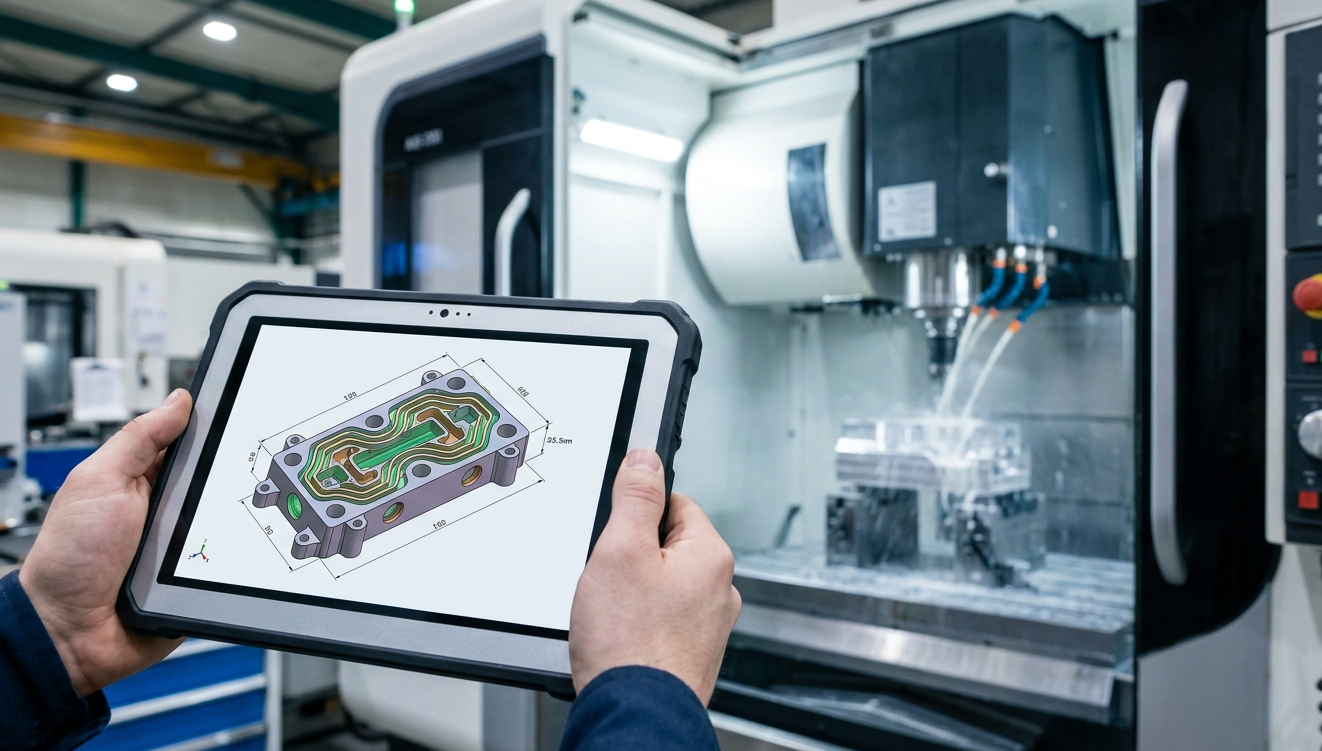
A web-based tool is the perfect companion for the “anytime, anywhere” scenario. Whether an engineer is on a construction site with a tablet, in a meeting with a client, or working from a home office, a web app provides the ability to perform rapid feasibility studies, material lookups, and preliminary structural checks. It turns the browser into a high-powered calculator that is always ready.
However, it is vital to recognize the boundaries of these tools. For Advanced Studies—such as high-fidelity fatigue analysis, complex non-linear contact problems, multi-physics simulations (combining fluid and structure), or safety-critical aerospace certifications—the industry still relies on professional, desktop-based powerhouses like Simulia (Abaqus), ANSYS, COMSOL Multiphysics, or SAP2000. These platforms offer deep validation, specialized solvers for exotic materials, and the massive throughput required for heavy-duty R&D.
In summary, the future of engineering is hybrid. We use the Web for speed, collaboration, and instant consultation, and we use the Workstation for the final, deep-dive certification. By bringing FEA logic to the web, we are not just moving math; we are making the world’s physical laws accessible to every designer, architect, and engineer with an internet connection.

Pingback: Springs: A Comprehensive Guide - MeWeTo